
Upcoming intakes
Contact us for the next intake
About this course
This SAP2000 course is RDSIC's 13-session structural analysis programme, taught in class and as an online SAP2000 course.
For structural engineers, fluency in an internal-force analysis package is effectively an entry requirement at any design office. SAP2000 fills that role well, handling static and dynamic problems across concrete buildings, industrial steel frames, tanks and wharf structures, with member checks against multiple design codes.
This in-person SAP2000 class at the RDSIC training centre of the Institute of Information Technology in Civil Engineering — Hanoi University of Civil Engineering (HUCE) is deliberately hands-on: each learner works at a dedicated machine while the instructor watches and corrects on the spot. Beginners build solid habits quickly, and self-taught users fix modelling shortcuts that cause trouble later.
What you will learn
- Understand how SAP2000 organises a model through joints, frame elements and shell elements.
- Build 2D and 3D models rapidly with the full set of geometry-editing commands.
- Declare materials, sections, supports and displacement constraints correctly for each problem type.
- Compute wind, crane and seismic loads and apply them to joints, frames and shells.
- Check steel members against design codes and propose strengthening or section optimisation.
- Assemble a complete calculation dossier by combining SAP2000 with Excel and AutoCAD.
Who should enrol
- Third- and fourth-year students working on reinforced-concrete or steel coursework projects.
- Consulting engineers who want a consistent, verifiable modelling workflow.
- Self-taught SAP2000 users who need structured, in-person coaching.
- Company teams looking for scheduled group training.
Detailed syllabus
1. Getting started with SAP2000
- The finite element method from a software user's perspective
- Exploring the graphical interface, toolbars and menus
- Creating and editing Cartesian and cylindrical grid systems
- Joints, frame elements and shell elements with their creation tools
2. Modelling techniques
- Basic editing commands: Cut, Copy, Move, Delete
- Advanced commands: Replicate, Trim, Extend, Extrude
- Practice drawing columns, beams, slabs and lift-core walls
3. Materials, sections and supports
- Declaring concrete, steel and other common materials
- Library sections and user-defined sections, including tapered and built-up shapes
- Boundary conditions: joint hinges, ground supports, elastic springs and displacement constraints
4. Loads, combinations and the complete analysis workflow
- Declaring every practical load case: dead, live, wind, seismic, thermal and moving loads
- Three ways to apply loads: point loads at joints, distributed loads on frames and on shells
- Standard and special load combinations
- The full chain from model building and section assignment to force analysis and reinforcement sizing
5. Concrete coursework scheme and pre-engineered steel buildings
- Concrete project: materials, sections, analysis scheme, run and force-combination tables
- Steel building: model with boundary conditions, computed and assigned load cases
- Analysis run, data export, member checks and optimisation or strengthening options
6. Real project practice
- 2D and 3D steel buildings: modelled directly or imported from AutoCAD .dxf files
- Realistic treatment of connections and member behaviour
- Vertical, wind and crane loads with combinations applied in several ways
- Reading displacements, deformations, forces, stresses and reactions; code-based strength checks
- Swimming pool exercise: subgrade coefficients, earth and water pressures
7. Software coordination and special structures
- Exporting to AutoCAD, PDF or images for drawings and reports
- Excel exports for concrete tower and steel building calculations
- Transmission towers under wind and seismic loads; jetties under wave, wind, current and seismic actions
- Automatic load generation per foreign codes: ASCE, API, Eurocode 8
Learning format
Thirteen sessions of structural analysis and checking with SAP2000. Three ways to attend, one syllabus and one set of practice models:
- Online — The class runs live on Microsoft Teams at set hours, not as recorded video. The instructor solves each problem on a shared screen while you run the same model on your own machine and compare results immediately; wrongly declared loads or models that fail to converge get caught during the session, and recordings cover the longer set-up work.
- On campus — In-person classes in Hanoi and Ho Chi Minh City, opening on a regular intake schedule. Sitting in the same room, the instructor looks straight at your model and explains why the same scheme yields different internal forces — something a screen never conveys fully.
- At your company — Design offices can bring the instructor in, use the structure currently on the drawing board as the exercise, and agree a single approach to load declaration and combinations for the whole team. Session count and fees follow the size of the group.
All three formats share the syllabus, the sample models, the post-course support and the certificate. The two tuition levels are shown in the table at the top of this page.
Class photos and videos
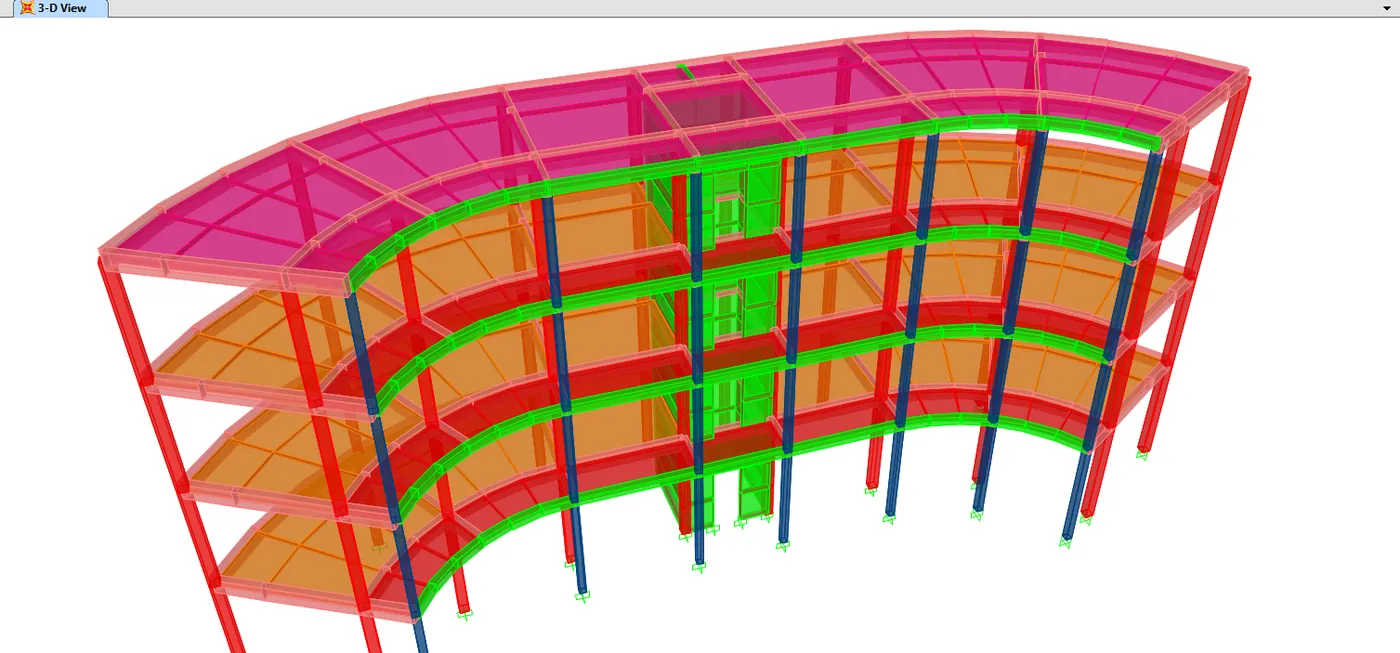
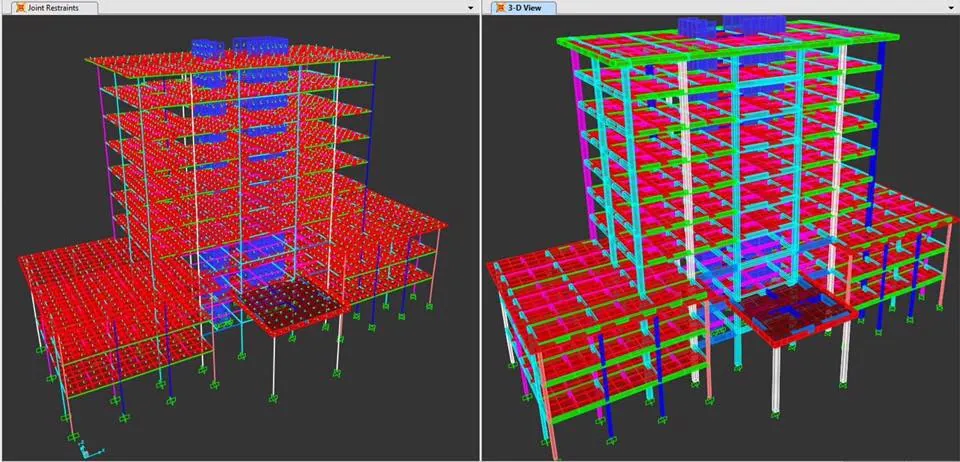
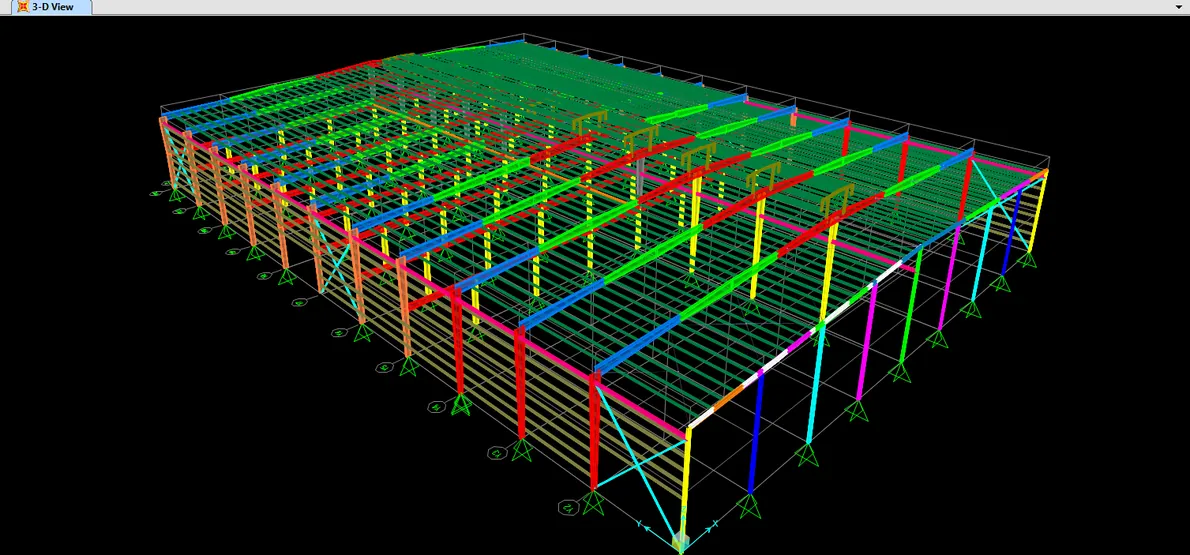
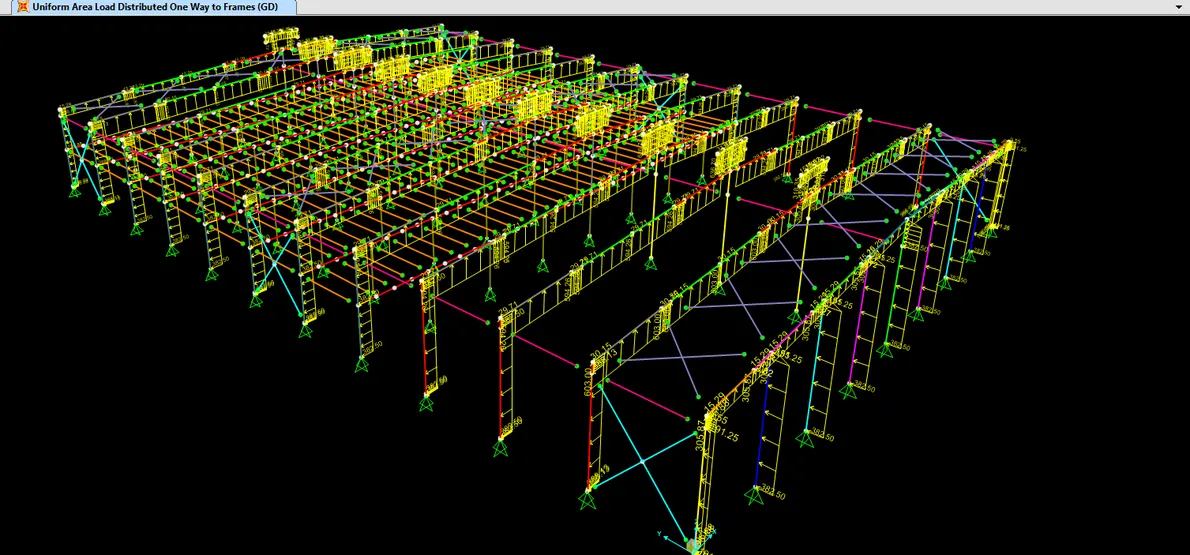
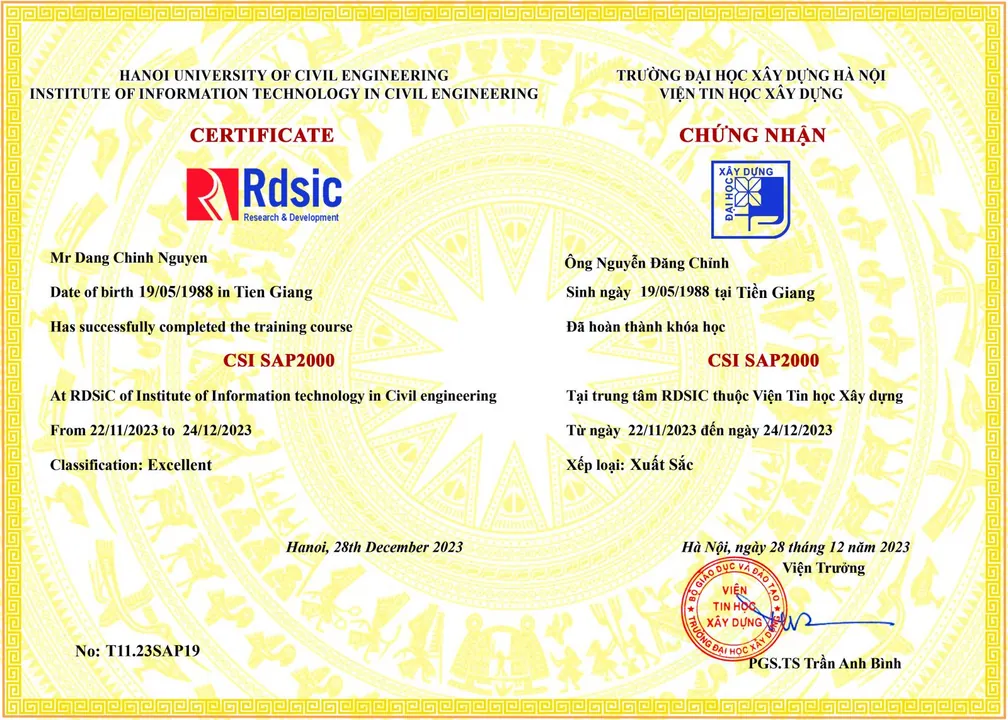
Certificate of completion
Learners who pass the final assessment receive a completion certificate from the Institute of Information Technology in Civil Engineering — Hanoi University of Civil Engineering. Call 0989 427 809 or 0914 388 841 for details.
Promotions and discounts
Group tuition discount — applied to every group member and the group leader:
| Group size | Group members | Group leader |
|---|---|---|
| 2 people | 5% off | 10% off |
| 3 people | 5% off | 15% off |
| 4 people | 5% off | 20% off |
| 5 people | 10% off | 25% off |
| 7 people | 10% off | 30% off |
| 10 people | 10% off | 50% off |
| 15 people | 10% off | 70% off |
| 20 people | 20% off | 100% off |
Note: this discount cannot be combined with any other promotion.
Discounts for taking multiple courses at RDSIC
- Take two courses in parallel and get 10% off the tuition of each course.
- Your second course at RDSIC is 10% off.
Deferral policy
- In-person courses: deferral of up to one year from the date the centre confirms it.
- Online courses: no deferral; as an exception, students who have attended less than 50% of the course may be granted a deferral of up to one year.
Related courses
- ETABS – SAFE – SAP2000 High-rise Structural Design Course
- Robot Structural Analysis Professional Course (Online)
Browse the full list at Construction Courses.