
Upcoming intakes
Contact us for the next intake
About this course
This Revit API course is RDSIC's 15-session C# add-in programming programme, also available online.
The Revit API lets you reach almost every object in a model through code — reading and writing parameters, generating drawings in bulk, or embedding engineering calculations right inside Revit. This course from the RDSIC training centre of the Institute of Information Technology in Civil Engineering — Hanoi University of Civil Engineering (HUCE) teaches you to build complete add-ins on .NET with C#/VB.NET and Visual Studio, applicable to Revit Architecture, Structure and MEP alike.
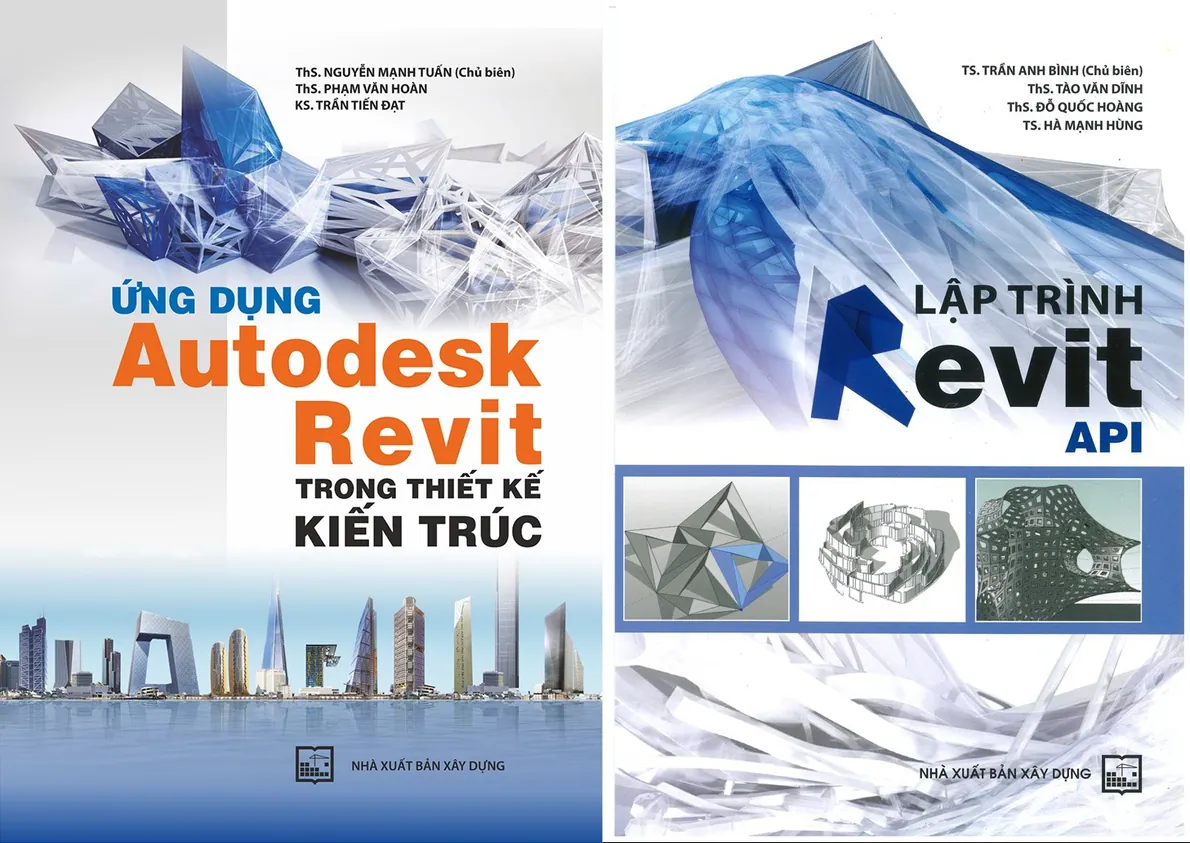
Learners follow the real path of plugin development: set up the environment, ship a first command, design a Ribbon interface, query and manipulate model objects, then wire up events so tools respond to user actions. The instructor authored a specialist book on Revit API programming published by the Construction Publishing House, so exercises stay close to the automation problems design offices face daily.
Revit API programming comes after you are fluent in one branch; newcomers should start from the learn Revit page and choose a branch first.
What you will learn
- Set up an add-in development environment: Visual Studio, the Revit API libraries, compiling a .dll and declaring the .addin manifest.
- Create a first external command and understand the entry parameters of an add-in.
- Design tool interfaces with Ribbon tabs, panels, buttons and input forms.
- Query, read and write data on Revit objects such as sheets, views, tags, details and family instances.
- Create shared parameters and control element properties from code.
- Program events with IExternalEvent and Idling so add-ins interact smoothly with a Revit session.
Who should enrol
- Engineers and architects who use Revit daily and want to build their own speed-up tools.
- BIM specialists responsible for standardising and automating modelling workflows.
- Software developers moving into tool development for the construction industry.
- Dynamo users ready to go further with professional add-ins.
Detailed syllabus
1. Add-in programming foundations
- Setting up .NET tooling (C#/VB.NET) and Visual Studio
- Working-environment concepts: Application, Command, View and Event
- Core Revit objects: how they are created and managed
- A first command: compiling the .dll, declaring the .addin path and the meaning of the input arguments
2. Building the tool interface
- Creating a dedicated Ribbon tab
- Laying out panels for command groups
- Adding buttons that launch commands
- Designing input forms for users
3. Referencing model objects
- Sheets: reading data and setting field values
- Accessing views and sections
- Tags and object annotations
- Detail elements: lines and components
- Family instances of building elements: beams, columns, floors, walls, foundations
- Reading object information through Parameter and ParameterType
4. Reading object data
- Retrieving values shown in the Properties palette
- Extracting data through an object's Type
- Following Type links to related property tables such as materials and build-ups
- Referencing values directly through parameters
5. Setting object properties
- Creating shared parameters to manage objects
- Assigning values from interface controls: textboxes, tables, checkboxes, comboboxes
- Controlling element visibility
6. Creating objects from code
- General principles for generating and displaying elements
- Hands-on creation of family instances, details, tags, views and sheets
7. Event programming in the Revit API
- The IExternalEvent mechanism
- The Idling event
- Using events for object management, interface updates and capturing user actions in Revit
Learning format
The programme spans 15 evening sessions taught in person in Hanoi; companies in Ho Chi Minh City or other provinces can arrange a contract class. Learners bring their own laptops, write code in class and gradually complete a working add-in for a real project problem under the instructor's guidance.
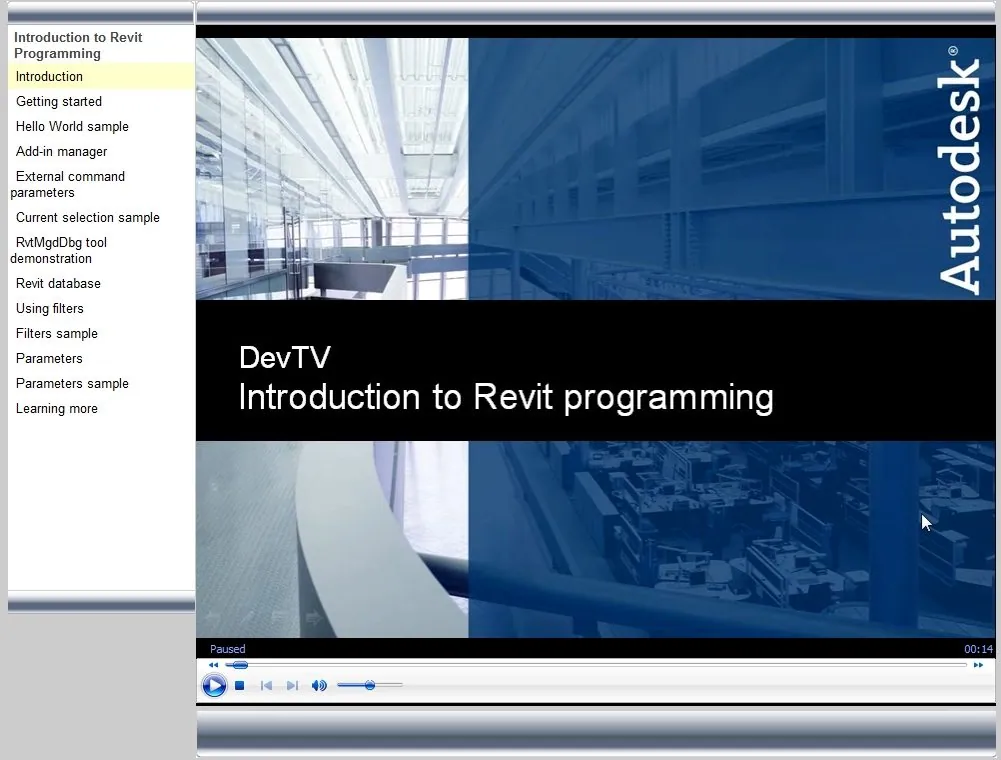
Class photos and videos
Certificate of completion
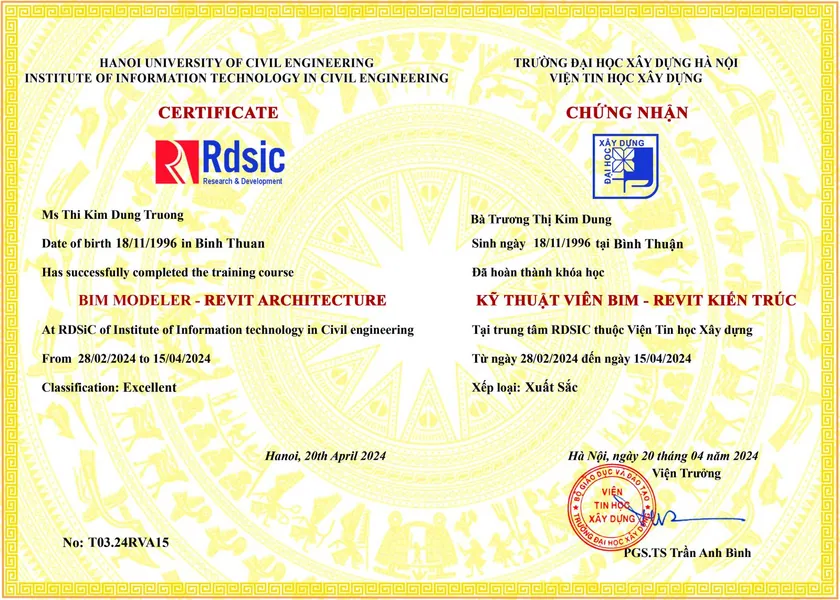
Learners who meet the course requirements receive a certificate from the Institute of Information Technology in Civil Engineering — Hanoi University of Civil Engineering. Call 0989 427 809 or 0914 388 841 to discuss prerequisites and the next intake.
Frequently asked questions
I already use Dynamo. Do I need the Revit API?
Dynamo is enough for automating your own work. When a tool has to run many times, serve many people, or run fast on large models, you need a C# add-in, and that is exactly what this course teaches. The comparison of the two routes is in the Dynamo guide and in What is the Revit API?.
Can I take this course without any programming?
The course writes add-ins in C# on Visual Studio, so you need basic programming: variables, loops, functions, classes. Without that, start with Dynamo in the Revit courses, or call 0989 427 809 or 0914 388 841 to discuss the entry requirements.
What will I be able to build at the end?
A complete add-in installed in Revit: its own Ribbon and forms, reading and writing parameters, selecting and creating elements in code, and reacting to user actions. The final exercise is a tool that solves a real problem from your own project.
Promotions and discounts
Group tuition discount — applied to every group member and the group leader:
| Group size | Group members | Group leader |
|---|---|---|
| 2 people | 5% off | 10% off |
| 3 people | 5% off | 15% off |
| 4 people | 5% off | 20% off |
| 5 people | 10% off | 25% off |
| 7 people | 10% off | 30% off |
| 10 people | 10% off | 50% off |
| 15 people | 10% off | 70% off |
| 20 people | 20% off | 100% off |
Note: this discount cannot be combined with any other promotion.
Discounts for taking multiple courses at RDSIC
- Take two courses in parallel and get 10% off the tuition of each course.
- Your second course at RDSIC is 10% off.
Deferral policy
- In-person courses: deferral of up to one year from the date the centre confirms it.
- Online courses: no deferral; as an exception, students who have attended less than 50% of the course may be granted a deferral of up to one year.
Related courses
- Revit Structure for Construction Course
- Revit Family Creation Course
- Revit Course for Electrical Substation Civil Works
- Learn Revit: six courses in Architecture, Structure, MEP, Family, API and site work
Browse the full list at Construction Courses.