
Upcoming intakes 2 classes open
- Starts 29/10/2026Navisworks ONOnline
Schedule 20h00-22h00 thứ 3,5,7
Venue Online - Toàn Quốc
Tuition fee Students 3,050,000 VND·Engineers 3,600,000 VND·6 sessions
- Starts 30/10/2026Navisworks PNOffline
Schedule 18h30-20h30 thứ 2,4,6
Venue Trung Tâm Bồi Dưỡng Chính Trị Quận Phú Nhuận
Tuition fee Students 3,450,000 VND·Engineers 4,000,000 VND·6 sessions
About this course
This Navisworks course is RDSIC's six-session Navisworks Manage programme, taught in class and online.
Autodesk Navisworks Manage merges models from many formats into a single file for review, clash checking and schedule simulation. For BIM coordination work it is the primary tool: architecture, structure and MEP models come together in one place, and every overlap is caught before it reaches the site.
This six-session classroom course by the RDSIC training centre of the Institute of Information Technology in Civil Engineering — Hanoi University of Civil Engineering (HUCE) takes you from basic model navigation to the software's two signature features: Clash Detective for conflict control and TimeLiner for 4D construction simulation, with continuous hands-on practice guided step by step.
What you will learn
- Merge Revit discipline models into one Navisworks file and use the NWC, NWF and NWD formats correctly
- Navigate large models and manage objects with the Selection Tree and Sets
- Create Viewpoints, sections and animations for design presentations
- Link Excel or MS Project schedules to the model for 4D simulation with TimeLiner
- Configure and run Clash Tests, adding Redline markups and Comments on each clash
- Export clash reports as Viewpoints, XML or HTML, plus a Clash Matrix per work package
Who should enrol
- Site engineers and technical staff who review federated models before construction
- Revit modellers adding coordination and clash-control skills
- Planners and construction managers interested in 4D simulation
- BIM team members at contractors and consultancies handling coordination reports
Detailed syllabus
1. Getting started with Navisworks
- The working interface and core features
- The NWD, NWF and NWC formats: differences and when to use each
2. Managing the model
- Basic navigation in 3D space
- Organising objects with the Selection Tree, Sets and model structure
3. Visualisation and animation
- Creating and arranging Viewpoints
- Building Animations, cutting Sections and running Simulations
- Practice combining Viewpoints, Sections and TimeLiner
4. 4D schedule simulation with TimeLiner
- Setting up and simulating the construction sequence
- Linking the model to schedules from Excel or MS Project
5. Clash checking with Clash Detective
- Appending Revit models into Navisworks
- Creating Selection Sets and Find Items filters
- Grouping the model by architecture, structure and MEP disciplines
- Configuring and running Clash Tests
- Redline markups and Comments on each detected clash
- Exporting results as Viewpoints, XML or HTML
6. Reporting and coordination
- Producing Clash Reports by phase and by work package
- Building the Clash Matrix and Clash Chart for technical coordination meetings
Learning format
Six sessions federating discipline models, running clash detection and building 4D schedule simulations in Navisworks Manage. Three ways to attend, one syllabus and one set of sample project models:
- Online — The instructor teaches live on Microsoft Teams to a fixed timetable, not through recorded video. You federate the models on your own machine as it happens; everyone's clash list comes out slightly different, which gives the class real cases to work through. Every session is recorded.
- On campus — Evening classes in Hanoi and Ho Chi Minh City, opening on a regular intake schedule. Most students already coordinate BIM at their own firms, so the discussion about how to group and prioritise clashes between disciplines usually goes well beyond the course notes.
- At your company — The instructor comes to you, federates the discipline models your team is actually producing, and helps establish the coordination routine: who exports when, which criteria filter the clash list, and how decisions get signed off. Duration and fees follow the scale of the group.
Content, practice models and the value of the certificate stay the same across the three formats; what differs is how you meet the instructor, and the fee — see the table at the top of this page.
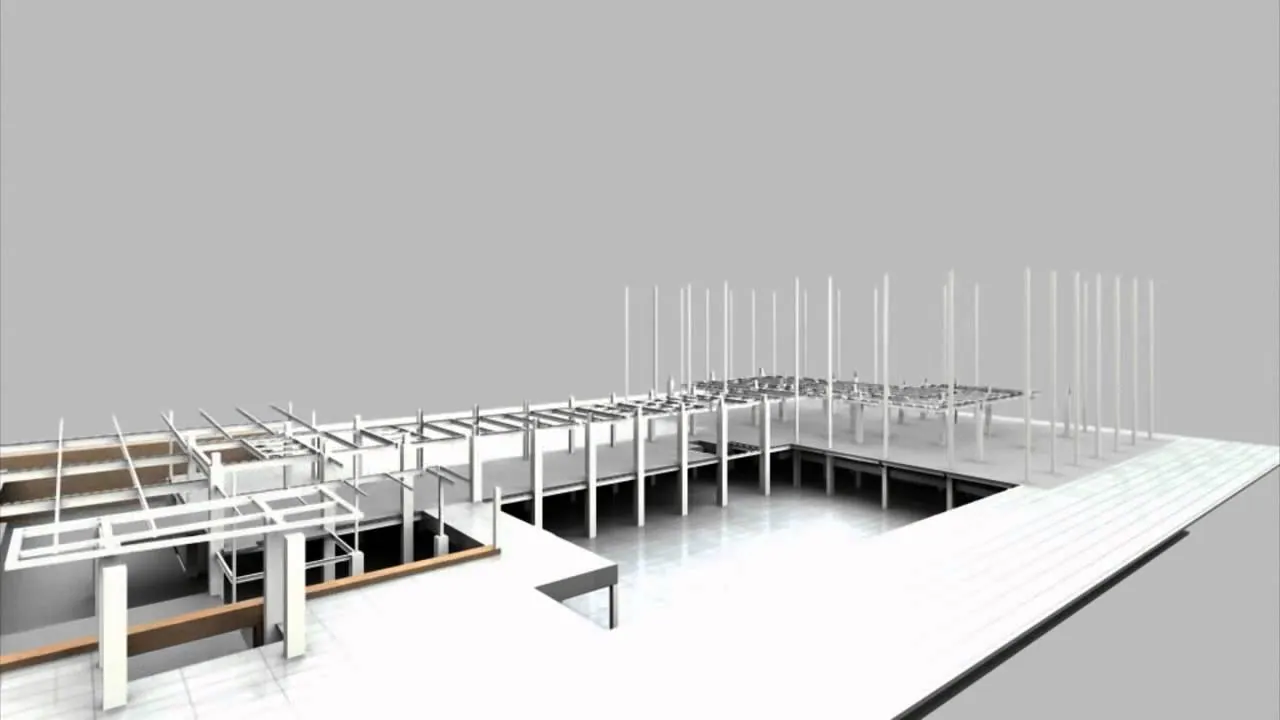
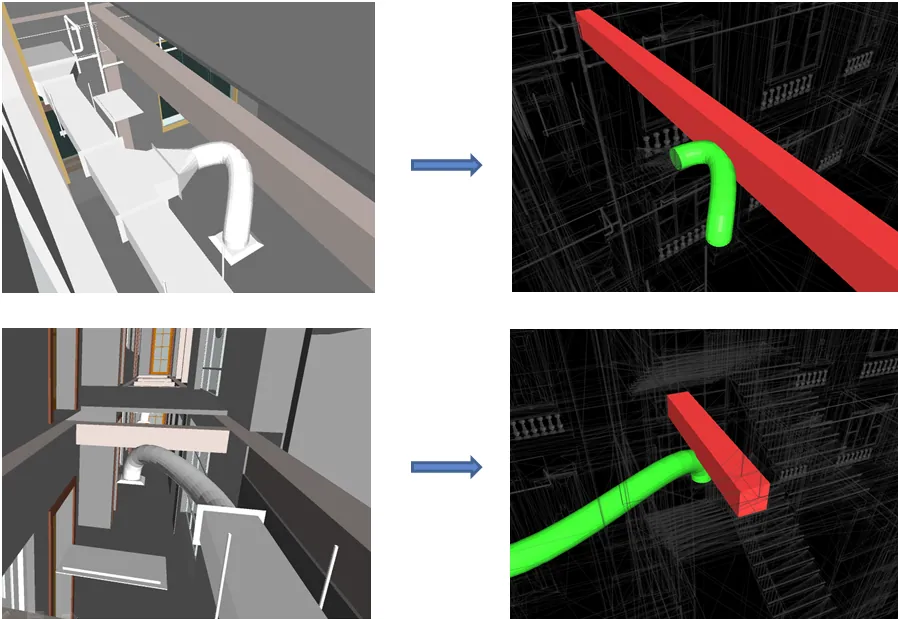
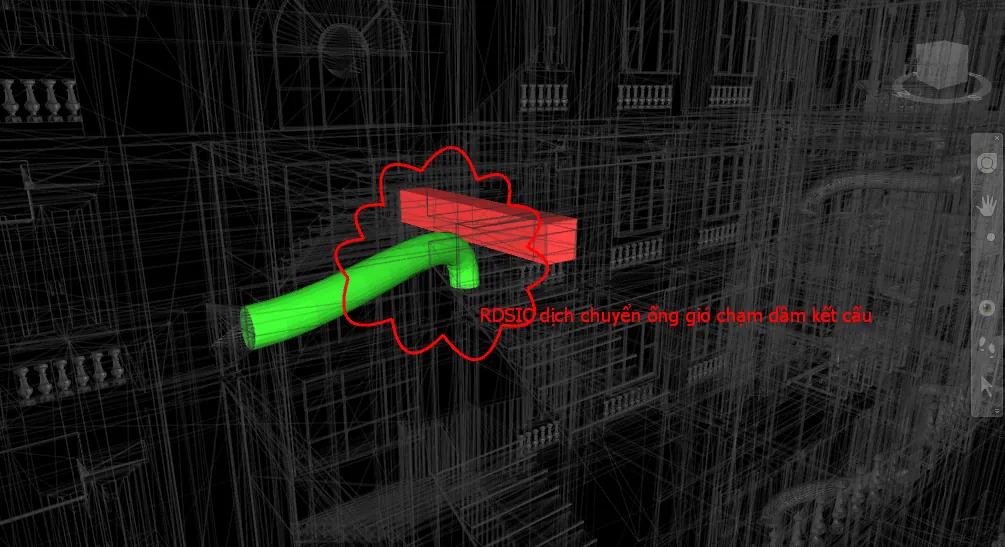
Class photos and videos


Certificate of completion
On completing the course, learners receive a certificate from the Institute of Information Technology in Civil Engineering — Hanoi University of Civil Engineering (HUCE). Call 0989 427 809 or 0914 388 841 for schedules and hardware advice.

Promotions and discounts
Group tuition discount — applied to every group member and the group leader:
| Group size | Group members | Group leader |
|---|---|---|
| 2 people | 5% off | 10% off |
| 3 people | 5% off | 15% off |
| 4 people | 5% off | 20% off |
| 5 people | 10% off | 25% off |
| 7 people | 10% off | 30% off |
| 10 people | 10% off | 50% off |
| 15 people | 10% off | 70% off |
| 20 people | 20% off | 100% off |
Note: this discount cannot be combined with any other promotion.
Discounts for taking multiple courses at RDSIC
- Take two courses in parallel and get 10% off the tuition of each course.
- Your second course at RDSIC is 10% off.
Deferral policy
- In-person courses: deferral of up to one year from the date the centre confirms it.
- Online courses: no deferral; as an exception, students who have attended less than 50% of the course may be granted a deferral of up to one year.
Related courses
- GIS-BIM-AI Integration Course (Online)
- MS Project Course – Construction Project Management
- Revit Structure for Construction Course
- Revit Family Creation Course
Browse the full list at Construction Courses.